


personal tech support. serious experience.
Clear technical help.
Wherever you are.
Mission-critical experience.
Everyday tech, handled.
Personal support from a former NASA systems-engineering contractor with 12 years supporting NASA spaceflight and launch control systems.
Meet your technician →$98 per hour, or $93 per hour with the Zelle direct-payment discount.
technical support shaped by mission-critical systems
Enterprise-level experience for home and small-business technology.
Live support from an eX-NASA systems-engineering contractor with experience across computers, networks, servers, connected devices, and business systems.
- 12 years
- NASA contracting and launch-control systems experience
- Systems experience
- Healthcare, hospitality, aerospace, and building technology
- Education
- Bachelor’s degree with advanced information-technology study
Past employers and projects are identified as professional history and do not imply endorsement.
what we support
Technical support for the systems you use every day.
Tech X diagnoses the problem, documents the case, and provides a clear path toward resolution.
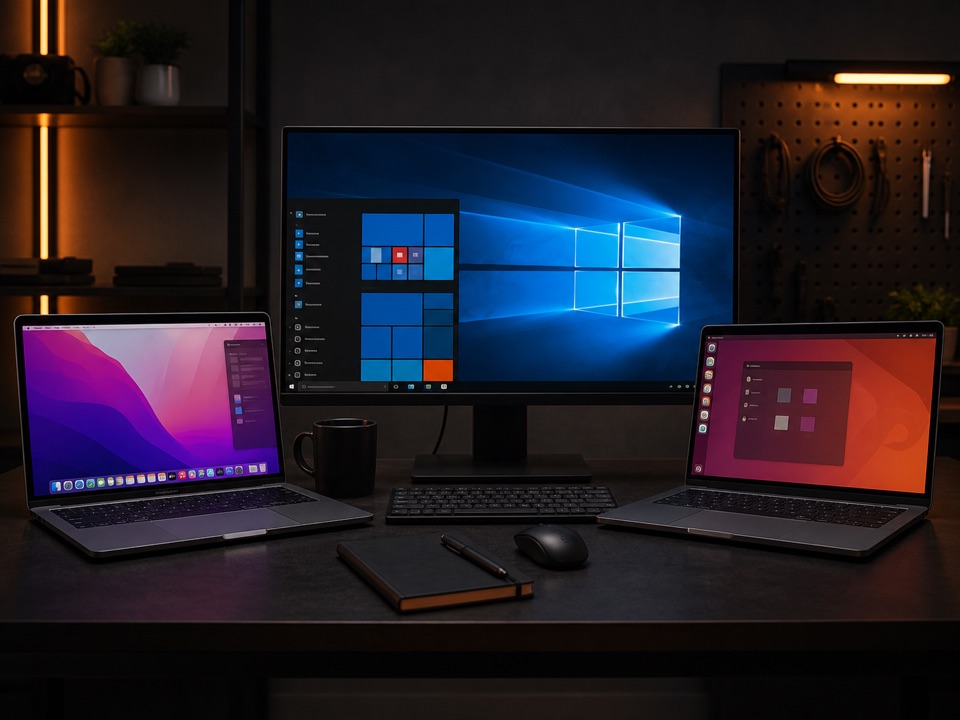
Computers & operating systems
Windows, macOS, Linux, updates, crashes, slow performance, setup, and migration.
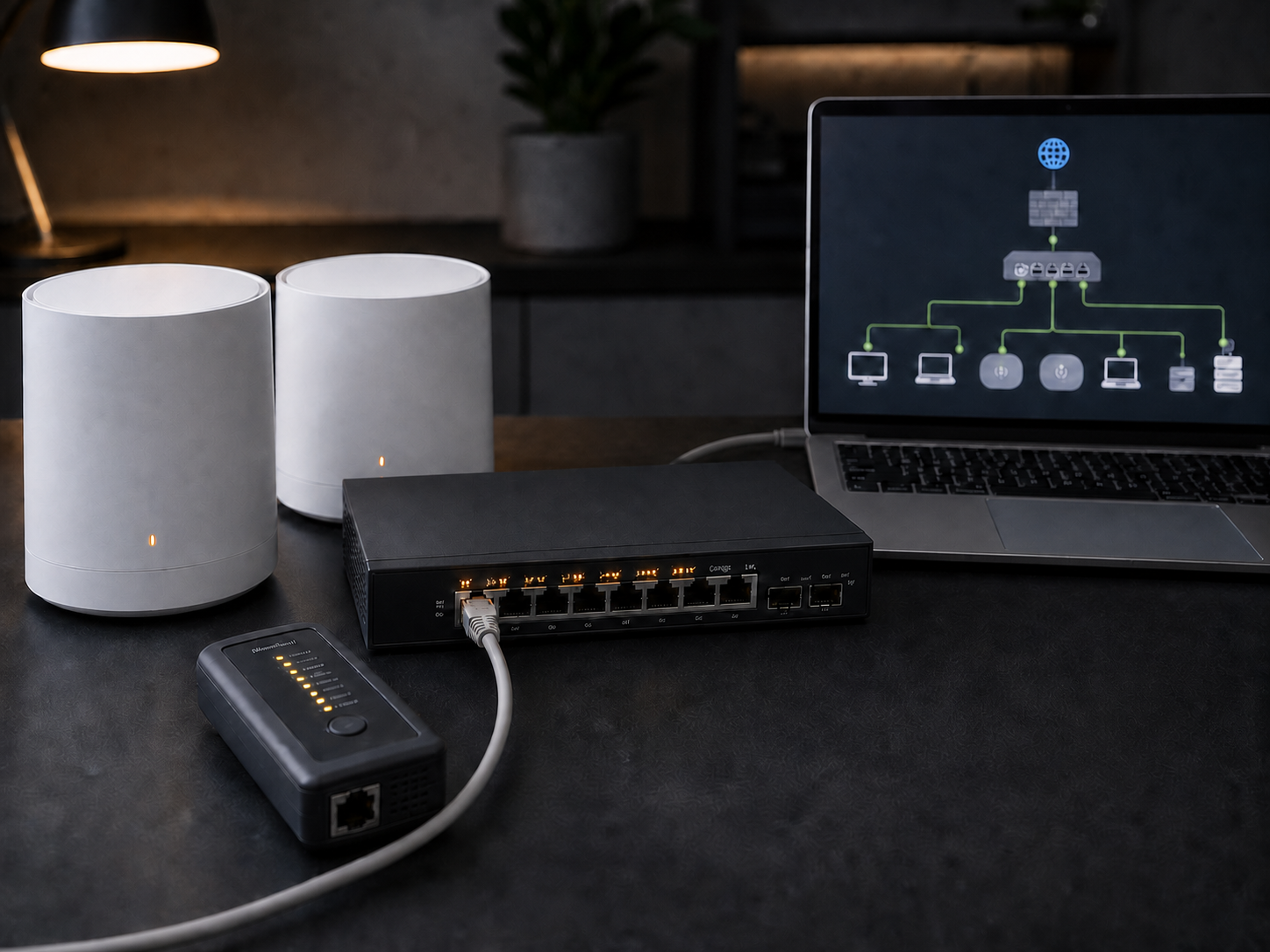
Wi-Fi & networks
Routers, mesh systems, Ethernet, DNS, VPN, connectivity, and secure remote access.
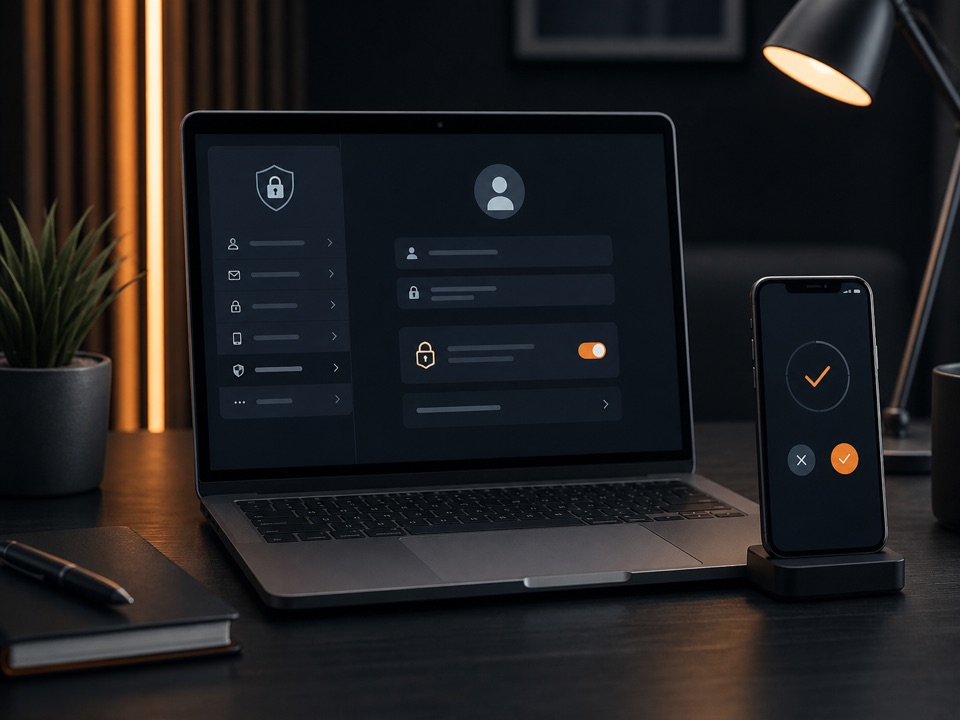
Accounts & applications
Email, cloud services, sign-in problems, MFA, certificates, and application setup.
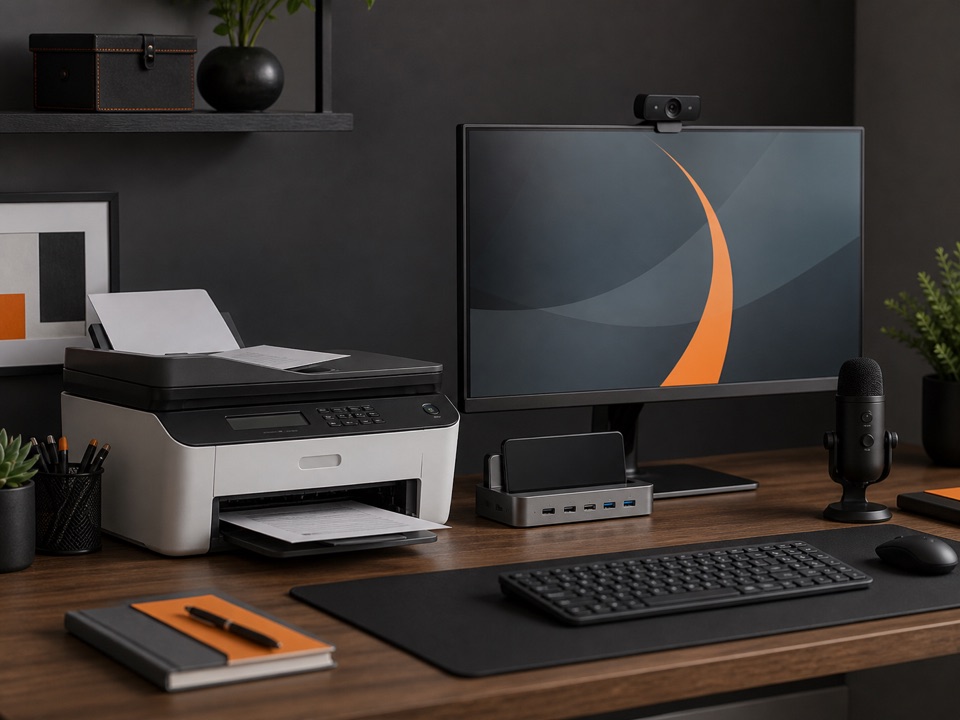
Printers & peripherals
Printers, scanners, displays, docks, cameras, microphones, and connected accessories.
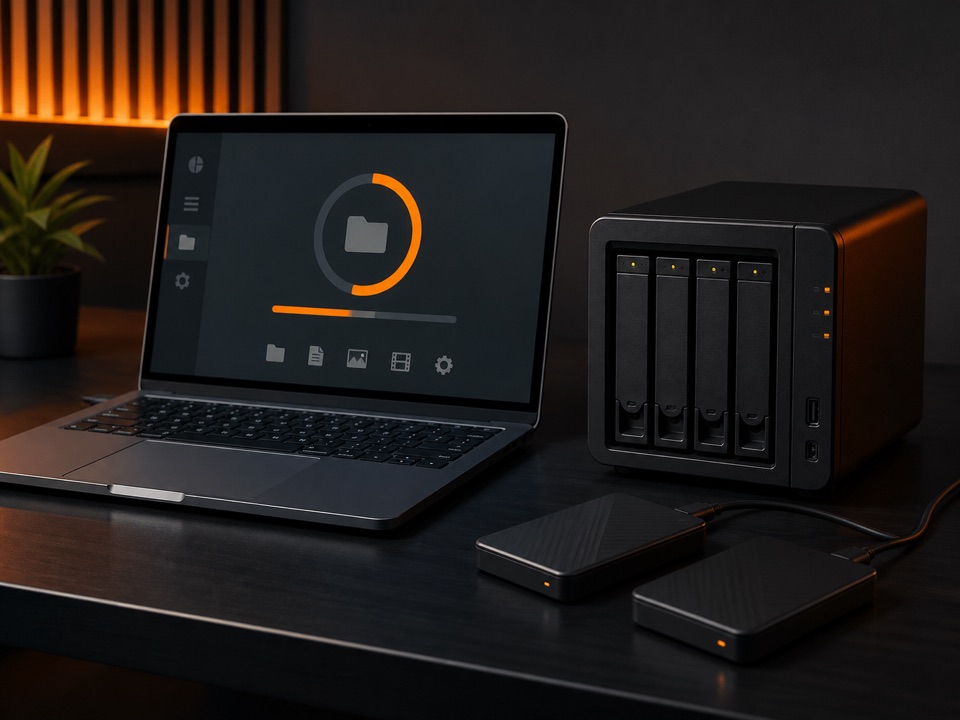
Storage & backups
NAS systems, external storage, file sharing, synchronization, and recovery assessment.
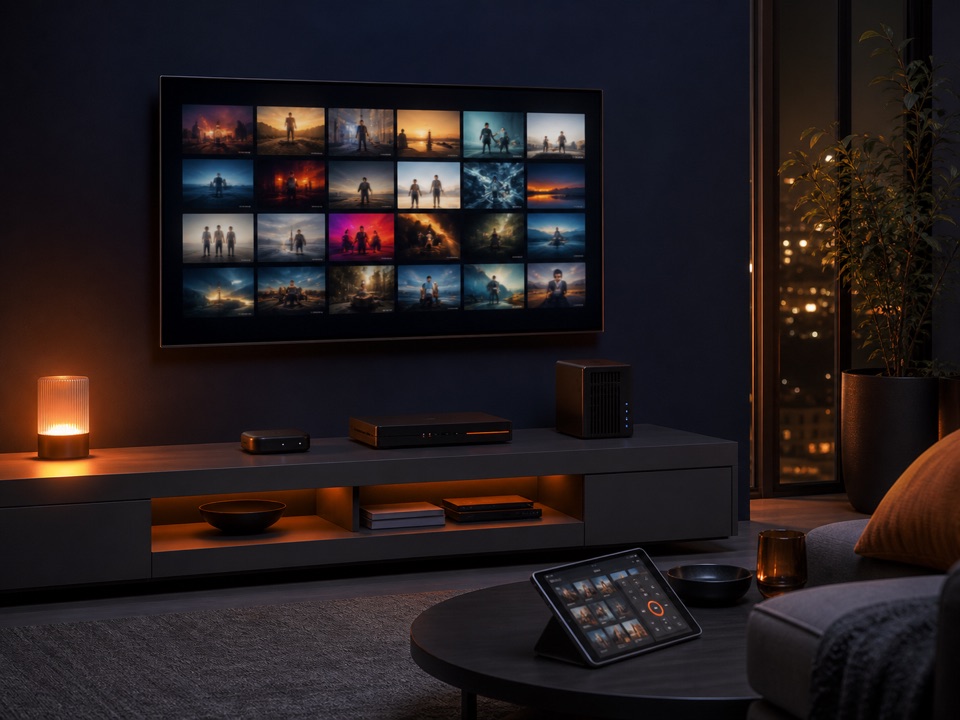
TV, streaming & media
Smart TVs, streaming devices, DVRs, tuners, Emby, and private media systems.
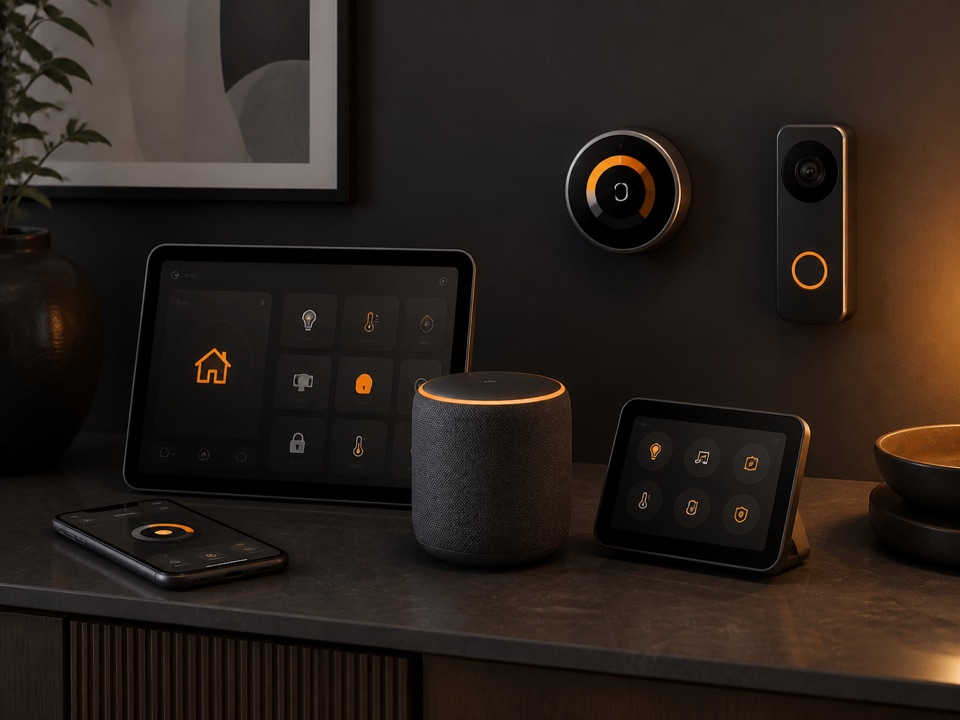
Smart devices
Phones, tablets, connected-home equipment, and cross-device configuration.
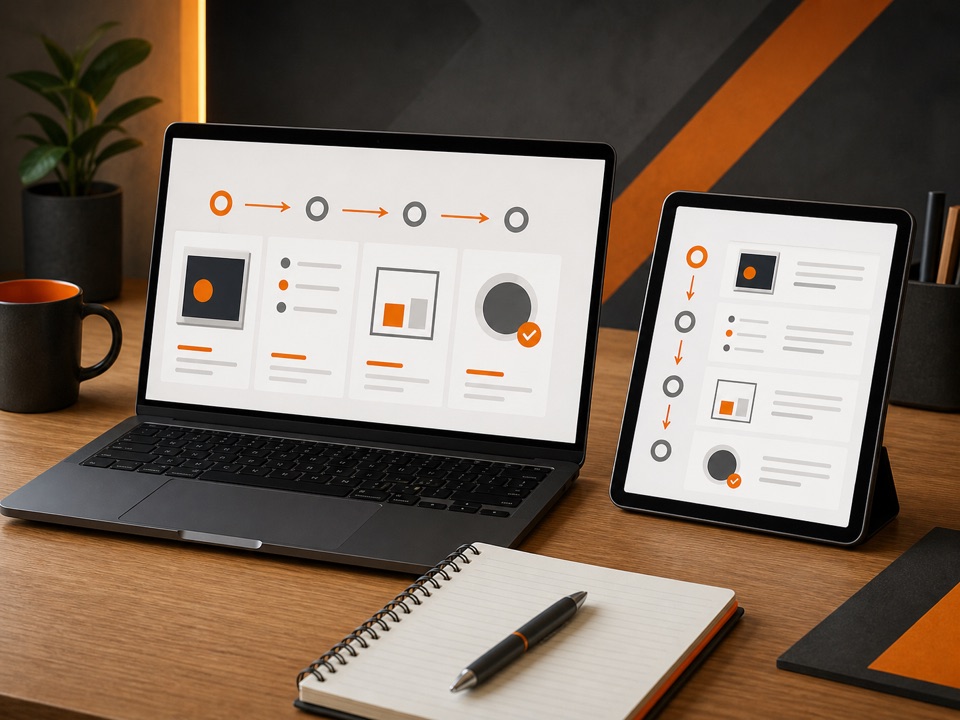
Training & guidance
Clear explanations that help you understand and use your technology.
Orange Structural services · remote-capable options
You provide the hardware. We help make the system work.
With suitable equipment, storage, internet access, and a customer present to make the physical connections, Tech X can guide installation and remotely configure computers, televisions, media servers, tuners, applications, accounts, networks, and viewing devices without entering the home.
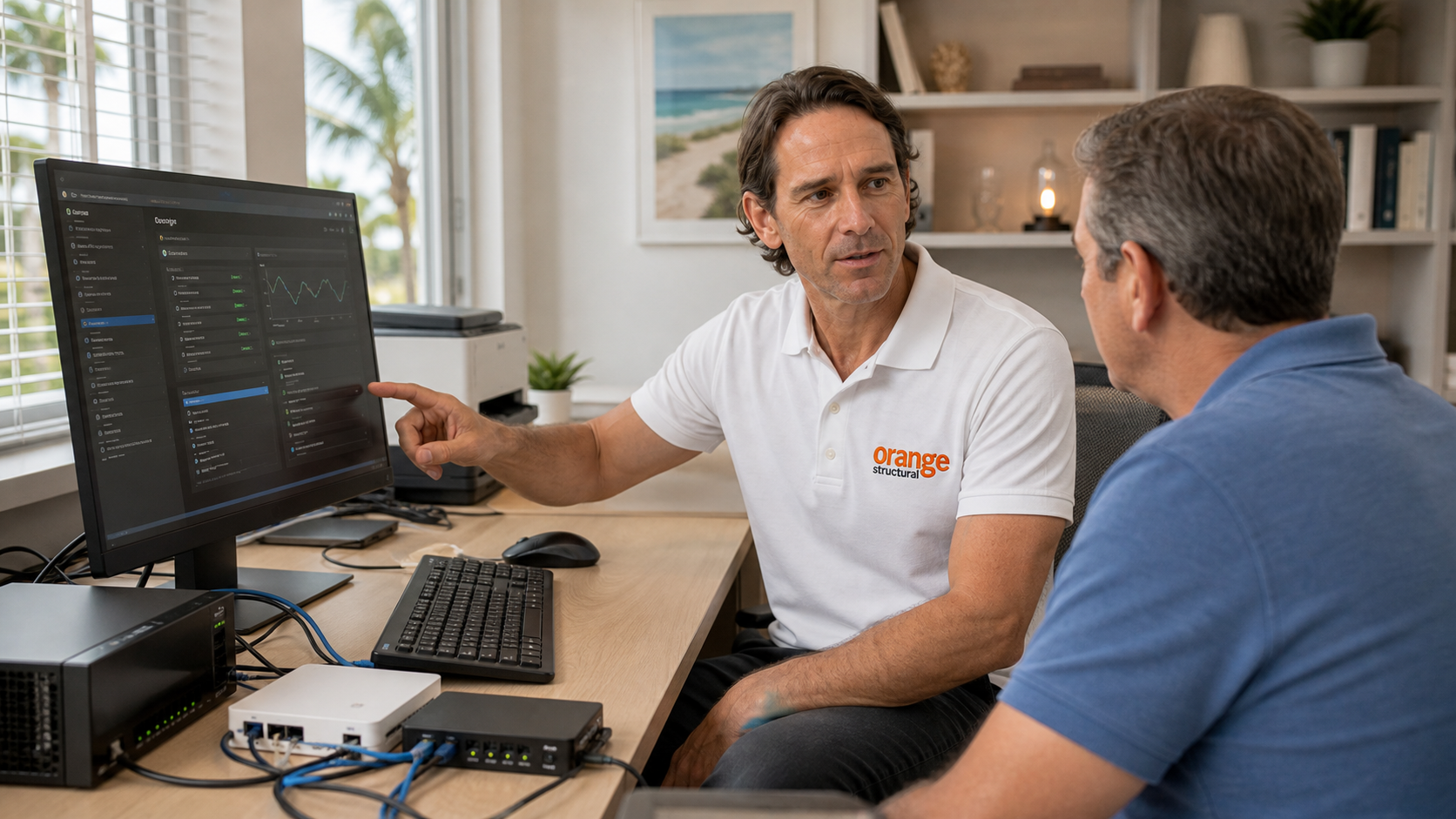
Technology Troubleshooting
Diagnose software, account, connectivity, update, peripheral, and configuration problems while the customer remains present.
View Orange Structural service →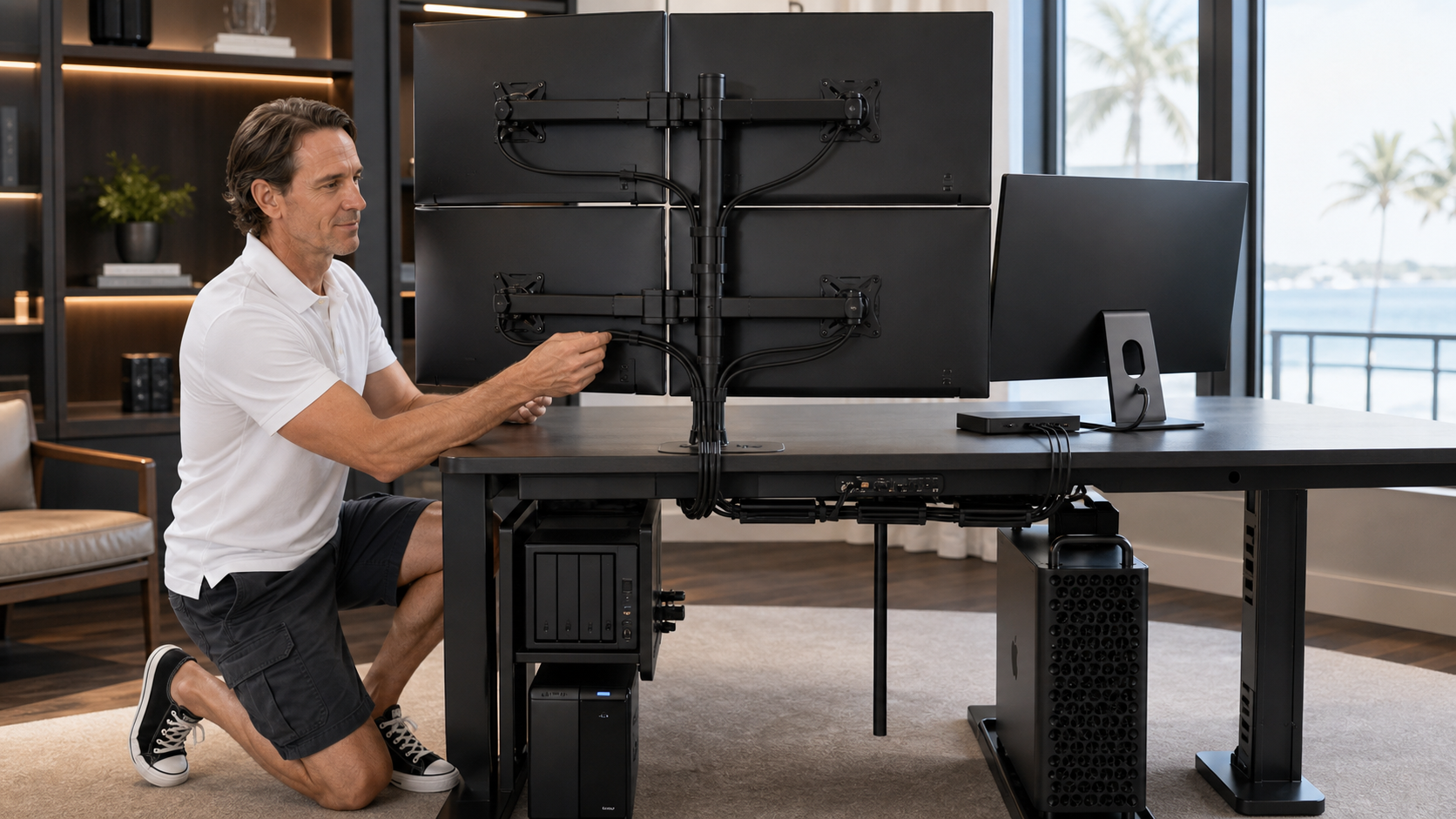
Home Office & Computer Setup
Configure computers, applications, accounts, printers, displays, cloud services, and home-office workflows after equipment is connected.
View Orange Structural service →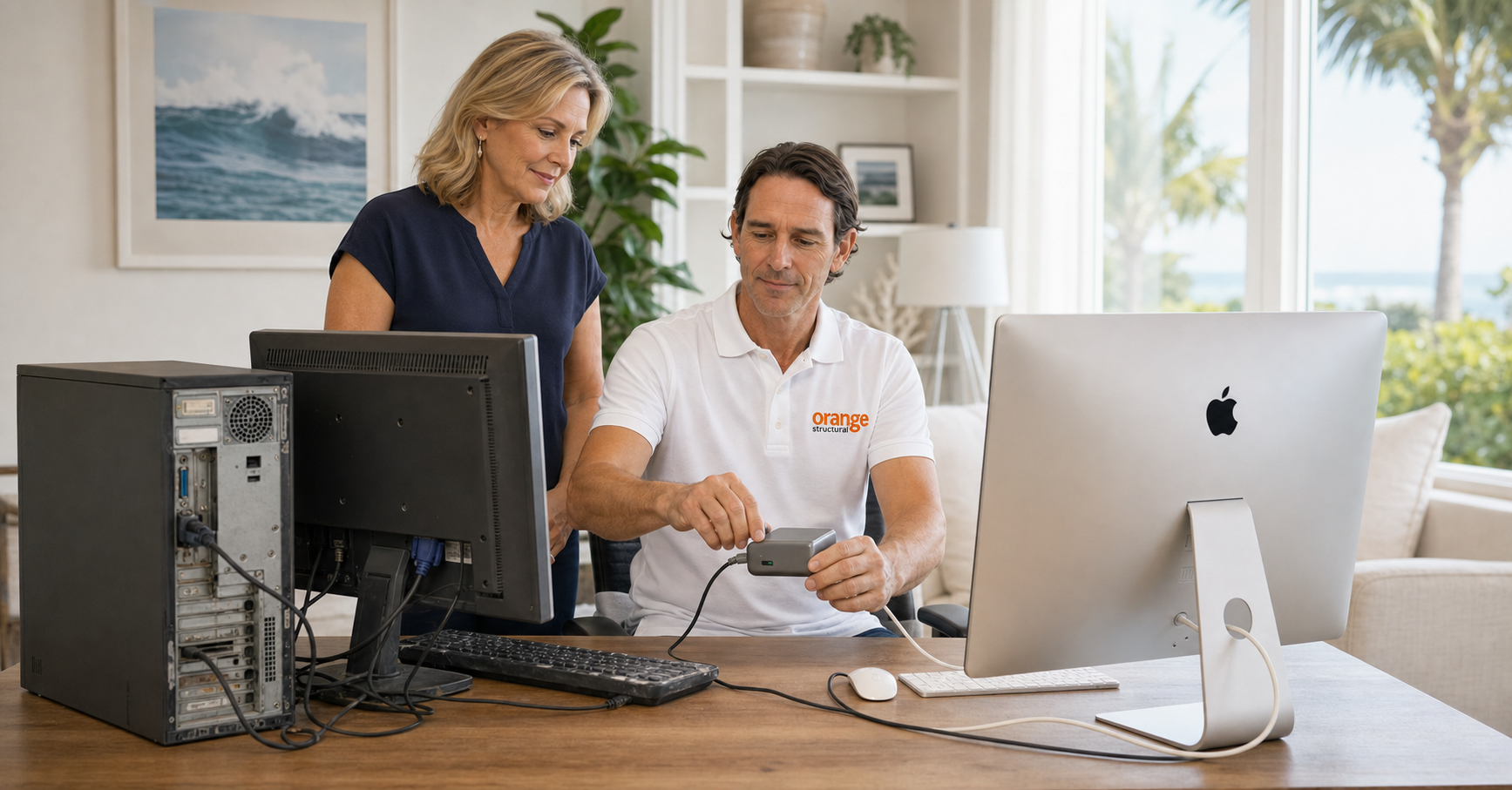
Computer Upgrades & Data Migration
Plan and guide eligible file, profile, application, backup, and new-computer transitions when both systems are available and working.
View Orange Structural service →Remote Access & VPN
Configure eligible VPN clients, secure remote access, MFA, certificates, and connectivity after the required accounts and network equipment are ready.
View Orange Structural service →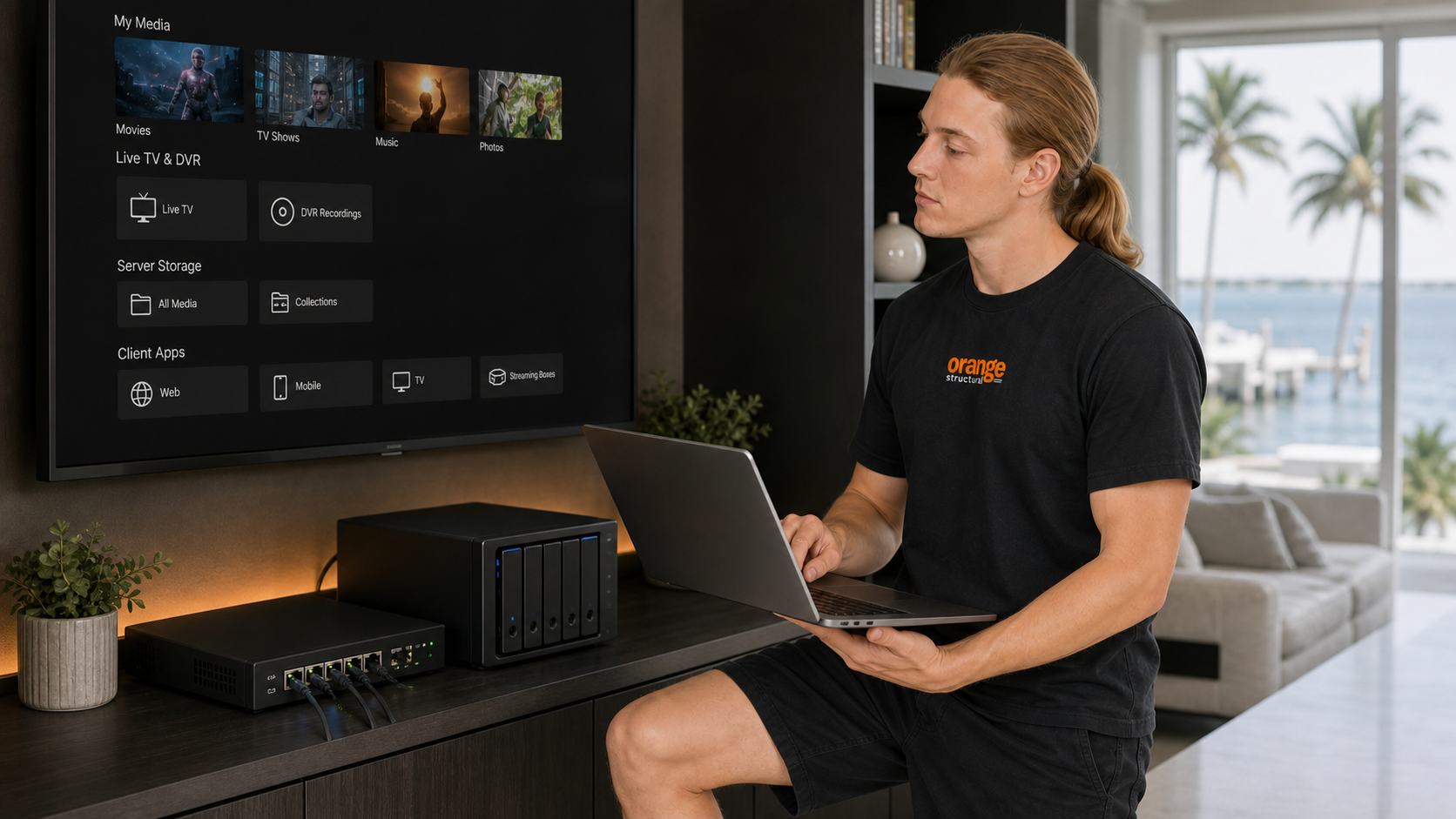
Emby Media Server Configuration
Remotely install and configure eligible server software, storage, libraries, users, clients, metadata, secure access, and playback. We can guide workflows for lawful personal copies of discs the customer owns when suitable storage and an optical drive are available.
View Orange Structural service →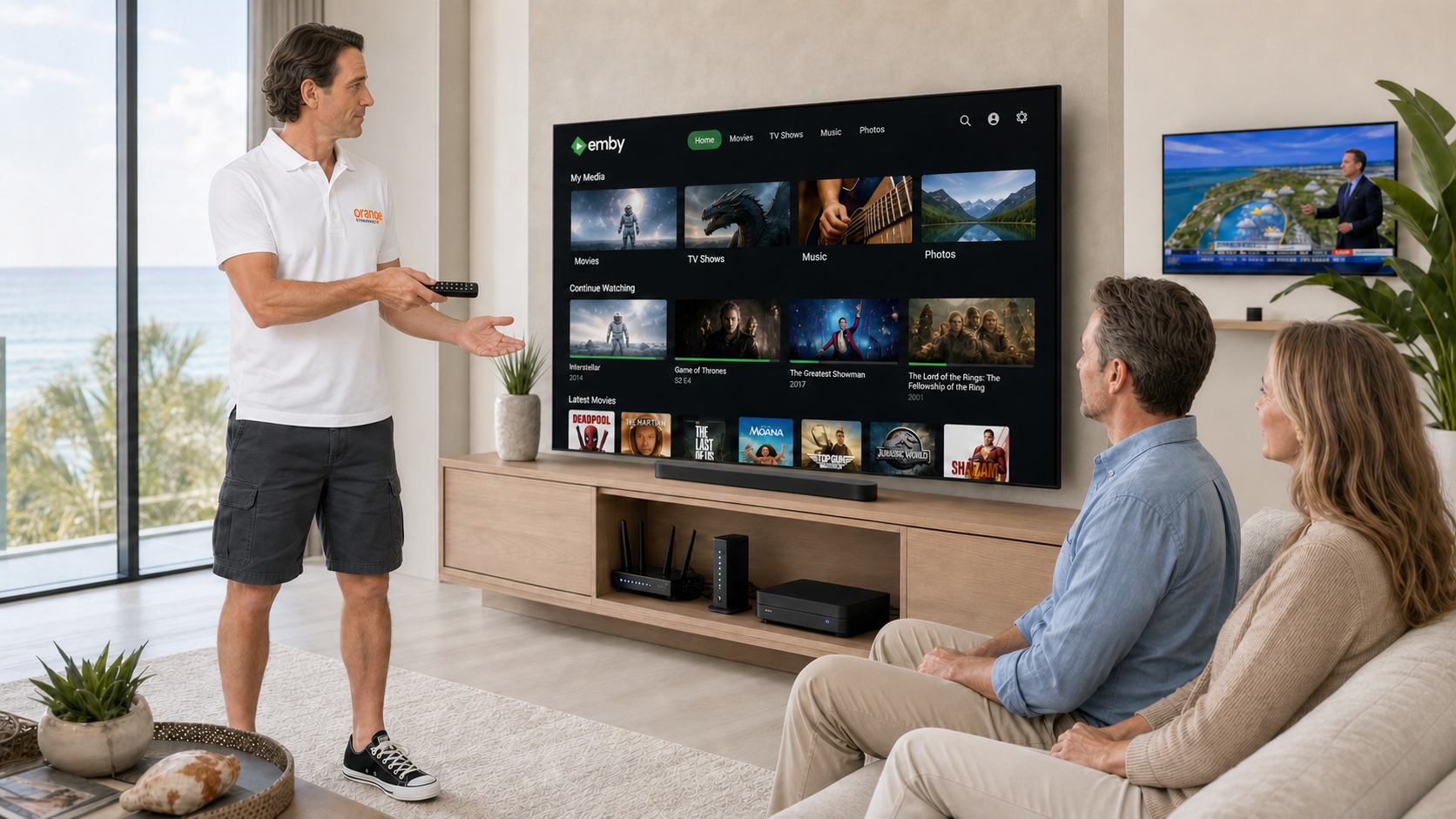
Live TV, DVR & Viewing Devices
Remotely configure compatible tuners, guide data, DVR storage, channels, applications, smart TVs, and streaming devices after the customer connects the antenna or television source, tuner, network, and displays.
View Orange Structural service →how remote support is handled
You remain in control throughout the session.
- 01
Describe the problem.
Call or submit a support request with the device, symptoms, and urgency.
- 02
Confirm the service.
We confirm the support method, price, and expected next step.
- 03
Start the connection.
Launch the approved support client and provide the temporary connection details.
- 04
Complete the session.
Remain present during the session and receive a documented case history.
support history
Continue without starting over.
Authorized cases maintain the relevant symptoms, troubleshooting, session notes, and resolution history.
Search Existing CasesWi-Fi interruption
Diagnostics · session · resolution
Email sign-in issue
Conversation · files · next step
your privacy and control
Remote access requires your permission.
You start the support client, provide the temporary connection details, approve control, and may end the session at any time.
- Attended sessions.You remain present during remote support.
- No passwords in request forms.Never submit passwords, MFA codes, recovery keys, or banking information.
- No standard unattended access.Standard support does not require permanent remote access.
- Authorized session tools.Desktop control, clipboard access, and file transfer are used only when needed for the approved session.
One-hour minimum, paid before scheduling.
Save $5 per purchased hour when paying Orange Structural LLC by Zelle.
frequently asked questions
Common questions.
Is support available nationwide?
Telephone-guided and eligible attended remote support are available throughout the United States. Local onsite service may be available for qualifying Space Coast requests.
Will Tech X have permanent access to my computer?
No. Standard support uses temporary, attended sessions that you approve and may end at any time.
What can the technician access?
During an authorized session, the technician may use the visible desktop, keyboard, mouse, clipboard, and file-transfer tools as needed.
Do I need to provide my passwords?
No. Do not submit passwords or security codes. Enter them privately when required.
What if the problem cannot be resolved remotely?
Some hardware, cabling, power, network, security, and account problems may require another service option. We will identify the next step.
What if the problem returns?
Search your support history and request that the prior case be reopened.
ready for technical support?