


remote-only configuration help
You buy it and connect it.
We configure it remotely.
Before you buy, Tech X can consult with you and recommend compatible hardware, storage, adapters, and network requirements. You make the purchase, put the equipment where it belongs, plug in every cable, connect it to your network, turn it on, and remain present. We then remotely configure eligible systems and show you how to use them.
the division of responsibility
We help you choose it. You buy and install it. We configure it.
Start with a consultation if you are unsure what to purchase. We can identify compatible hardware, storage capacity, adapters, subscriptions, and network requirements for your intended result. You purchase the selected equipment and then unpack, place, plug in, connect, and power on everything. We guide you by phone and configure eligible systems remotely.
remote-only service categories
Configuration help across the systems you use.
Every category follows the same rule: you own or purchase the hardware and perform all physical installation. Tech X provides telephone guidance, attended remote configuration, testing, and training.
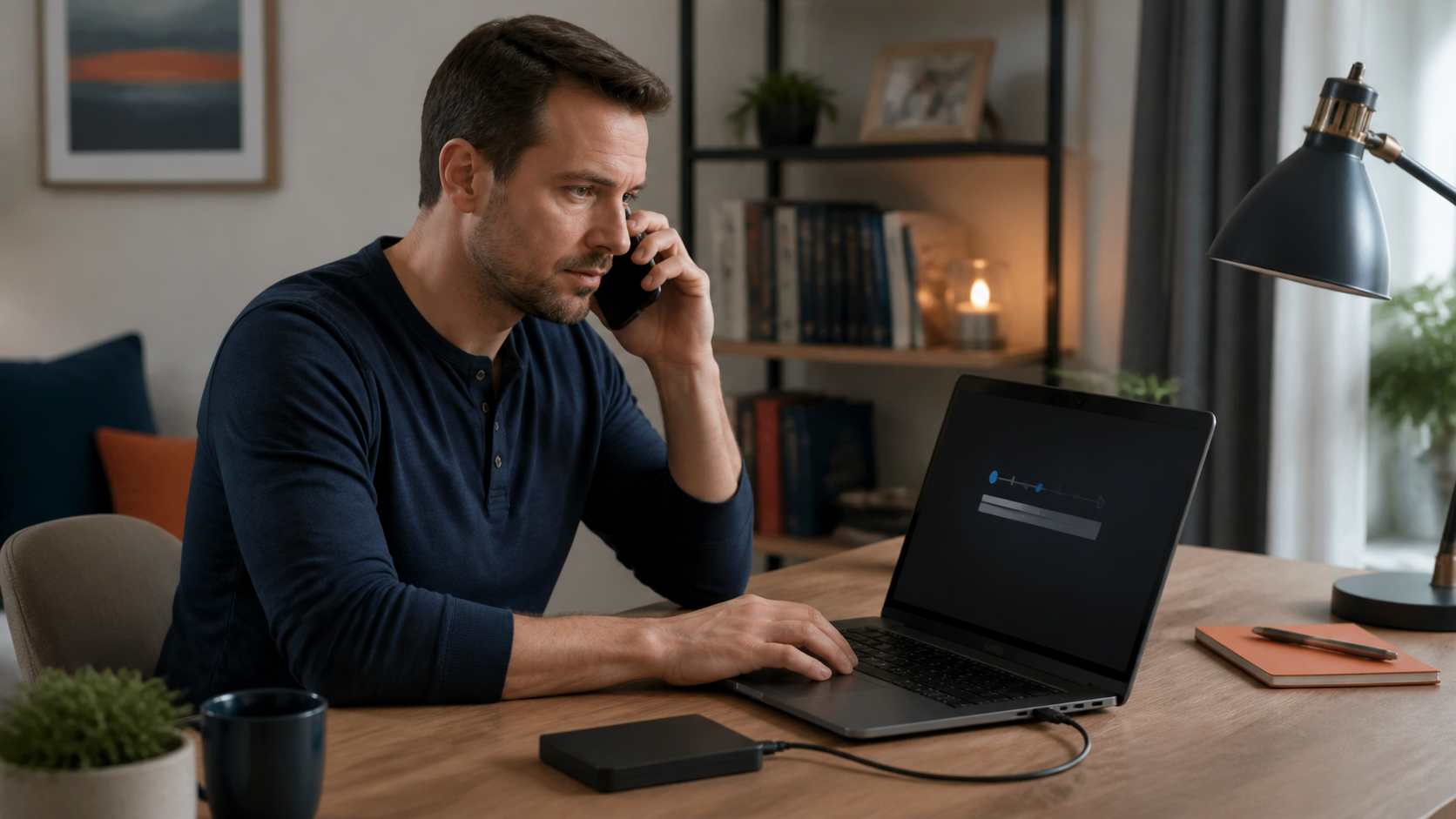
Technology Troubleshooting
You operate the equipment while we diagnose software, account, connectivity, update, peripheral, and configuration problems remotely.
View remote-only service →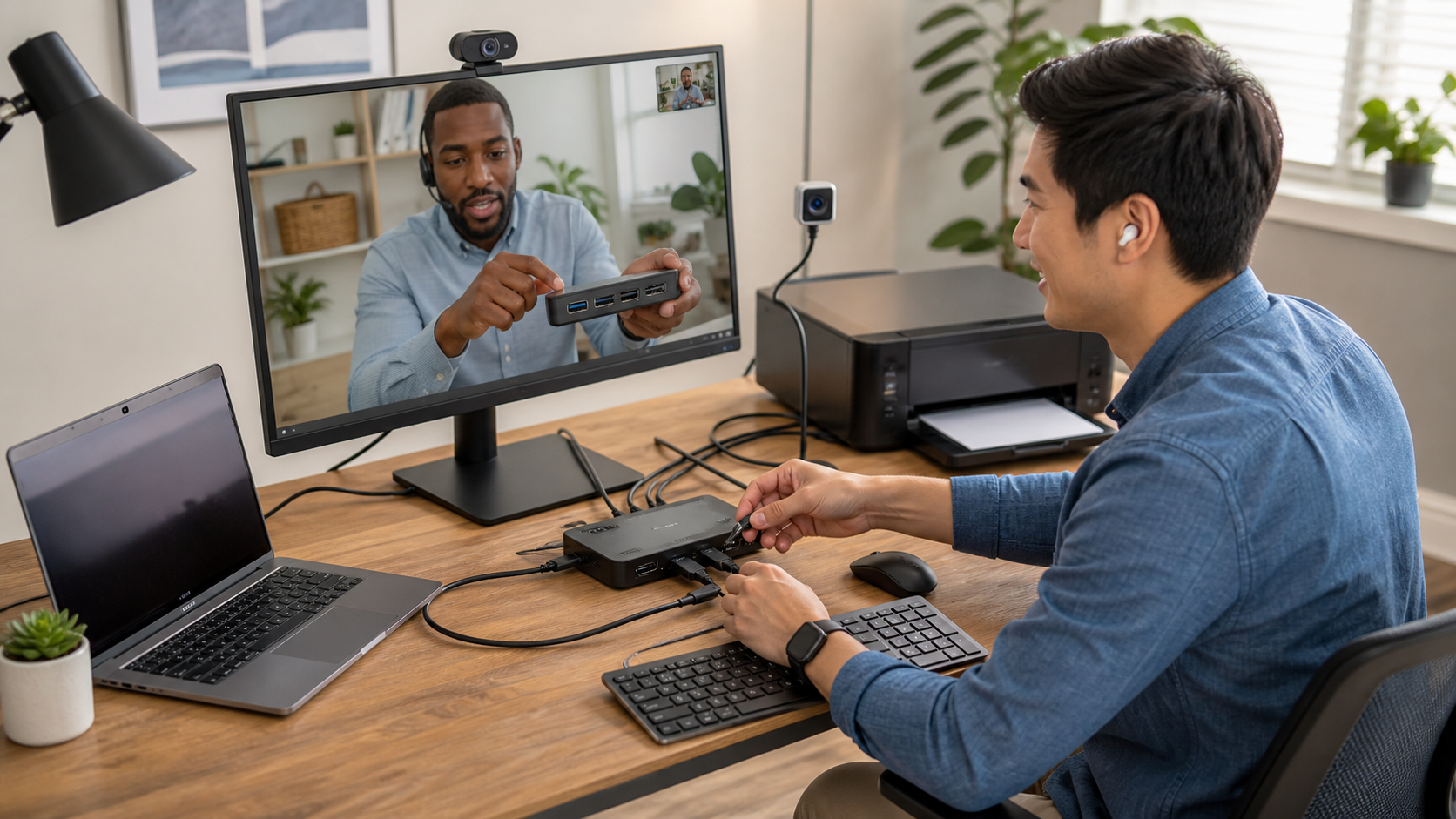
Home Office & Computer Setup
You buy, place, connect, and power on the computer, displays, printer, and accessories. We remotely configure the software, accounts, and workflow.
View remote-only service →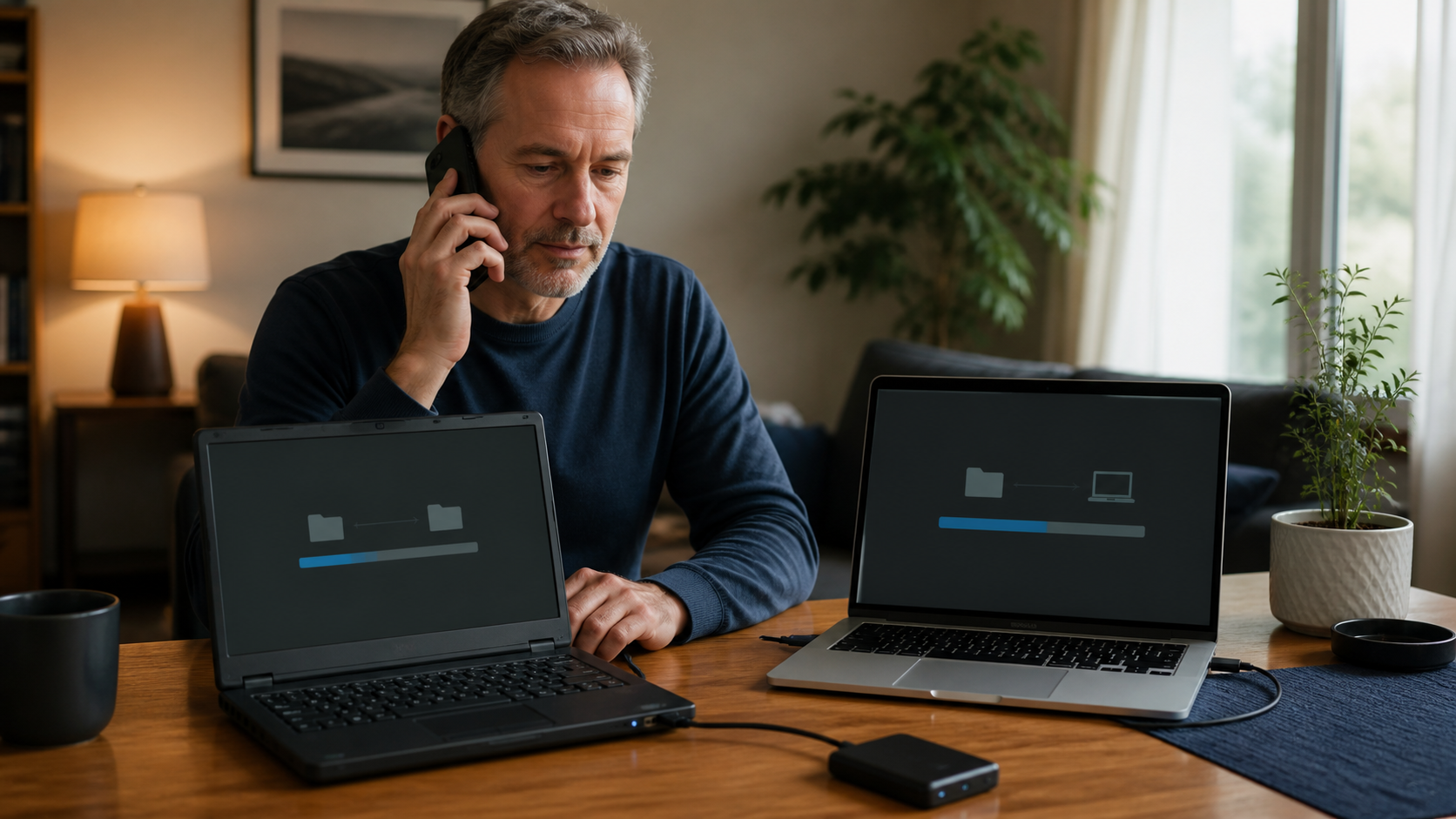
Computer Updates & Data Migration
You provide both working computers, storage, power, and internet access. We remotely guide updates, backups, file transfers, and eligible application setup.
View remote-only service →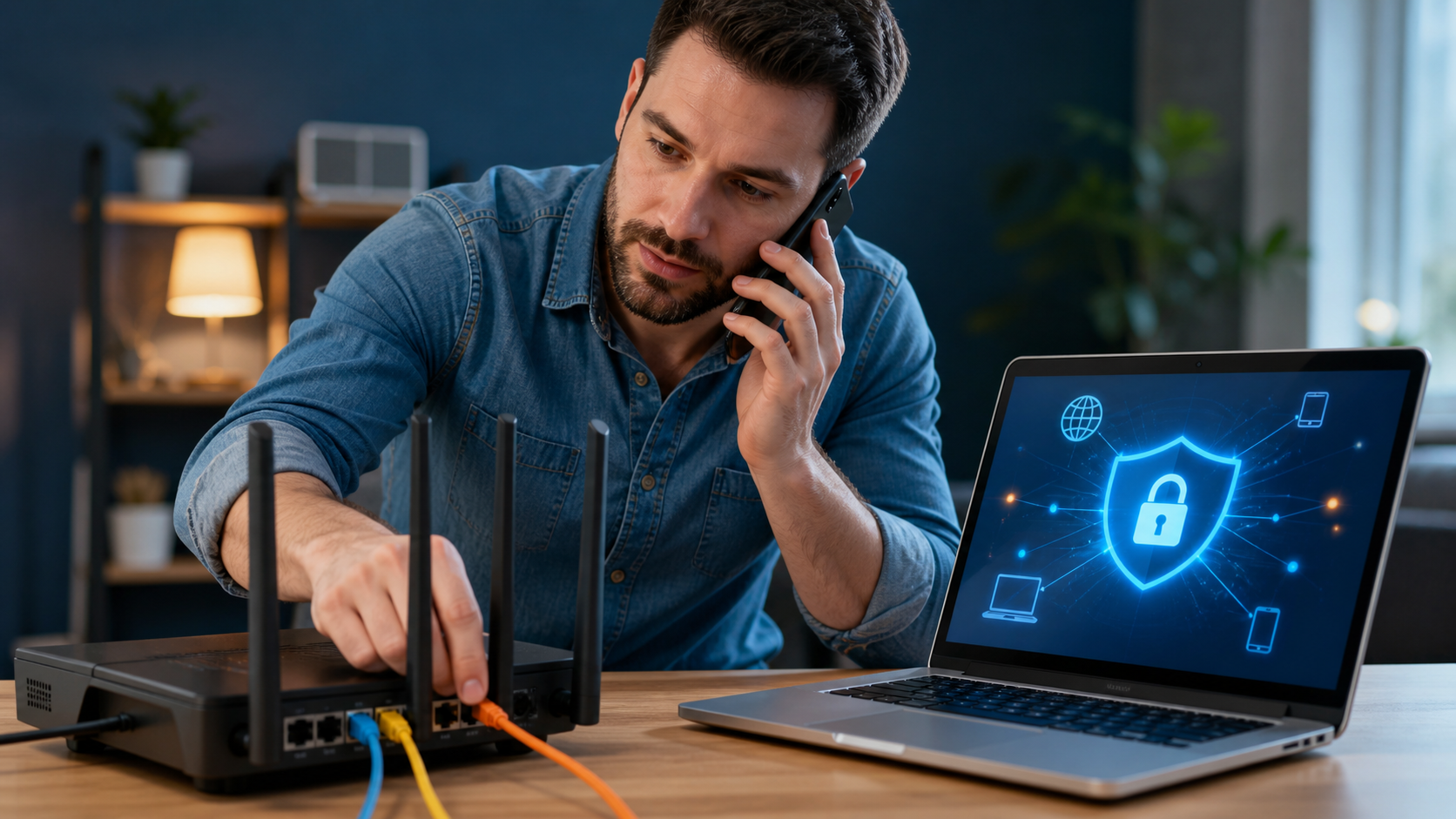
Remote Access & VPN
You supply and connect the router and computers and obtain the required accounts. We remotely configure eligible VPN, MFA, and secure-access settings.
View remote-only service →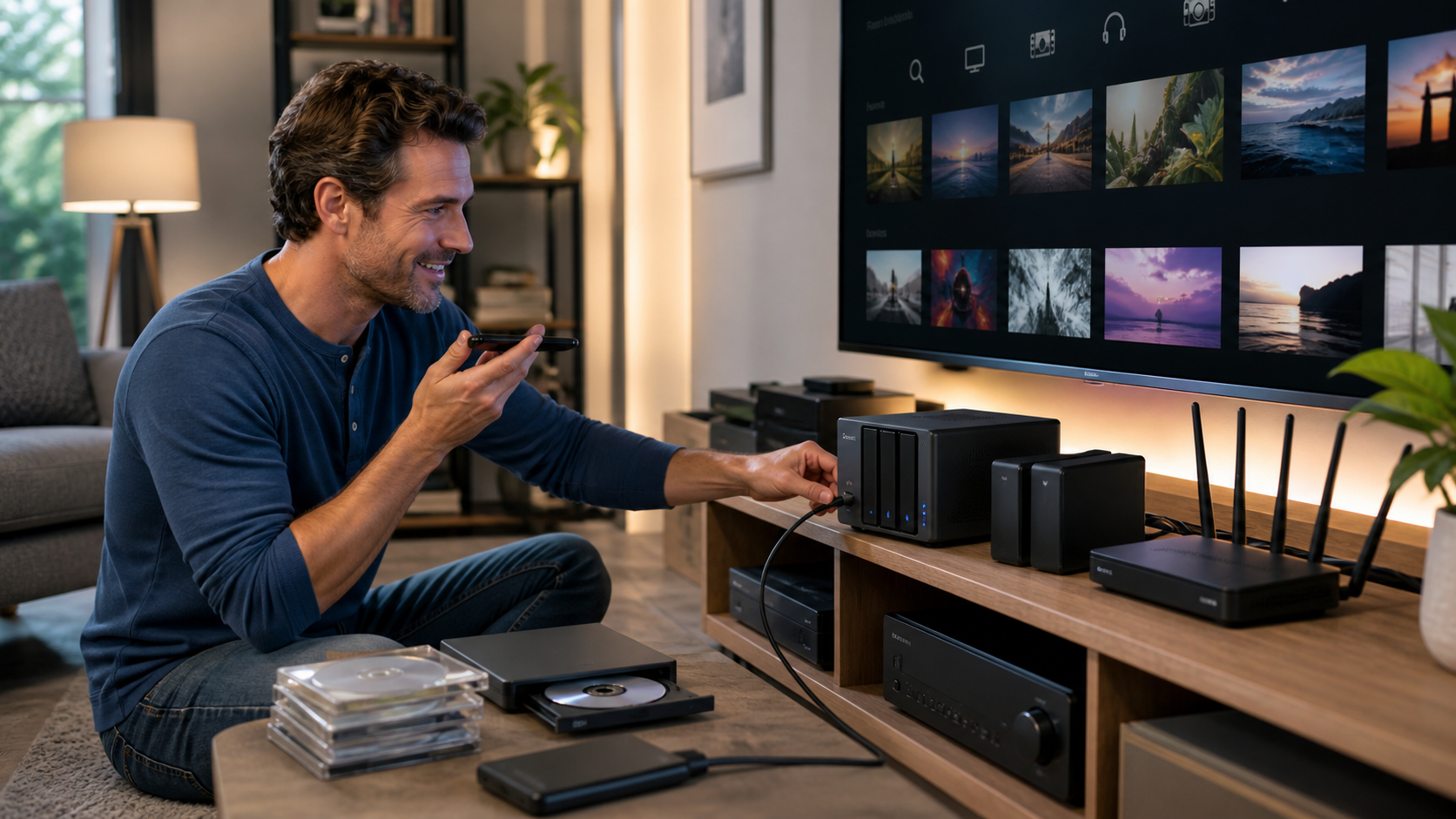
Custom Home Media Systems
Supply compatible hardware yourself, or approve a quote and pay Tech X in advance to prepare and ship a preconfigured server. You connect it and power it on; we finish site-specific setup and training remotely.
View remote-only service →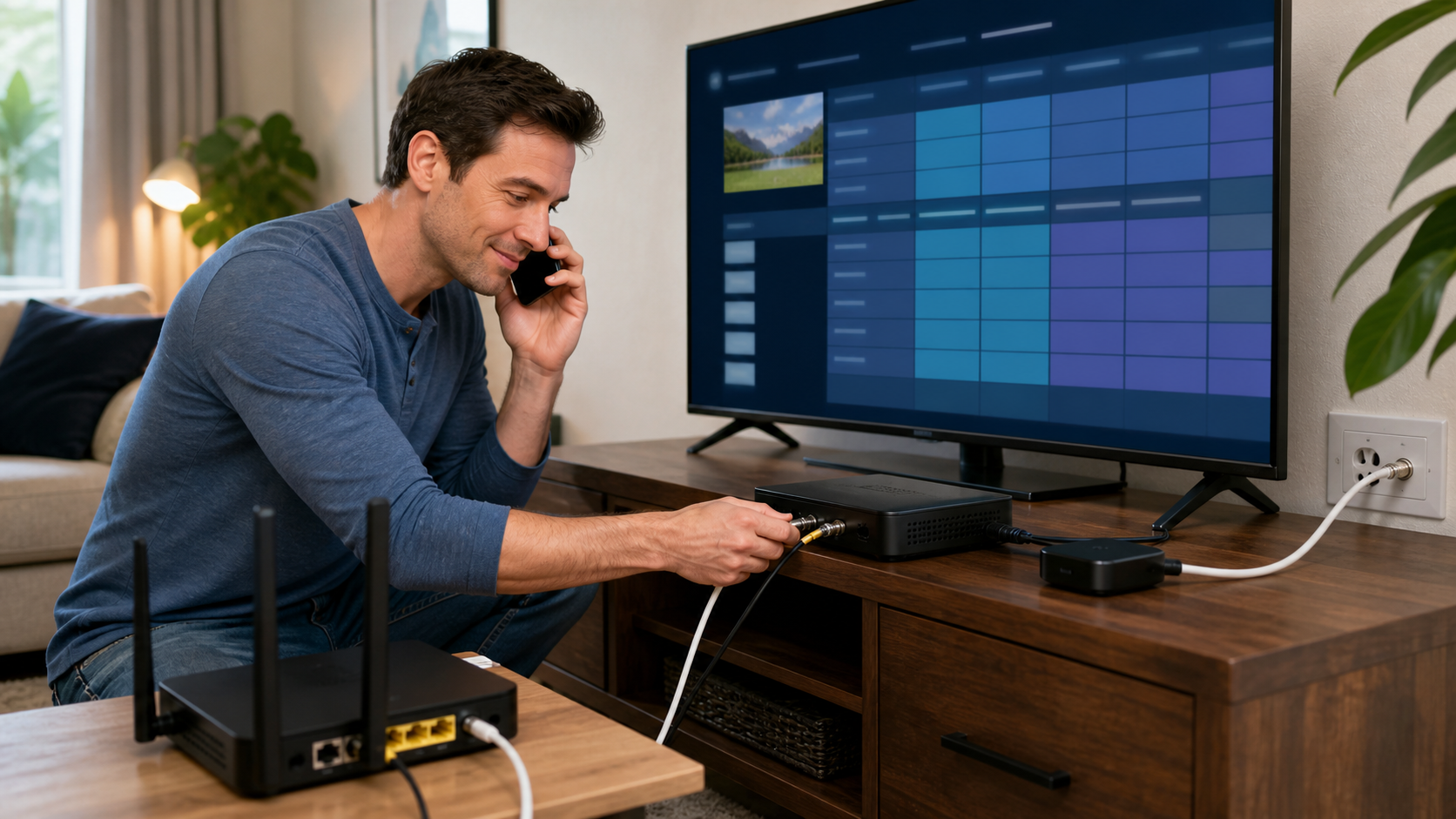
Live TV, DVR & Viewing Devices
You buy and connect compatible tuners, storage, televisions, and players. We remotely configure channels, guide data, DVR, applications, and viewing devices.
View remote-only service →how it works
From a purchase plan to a working system.
- 01
Consult before you buy.
We review your goal and recommend compatible hardware, storage, adapters, services, and network requirements. You make the final selection and purchase.
- 02
Make the connections.
You unpack, place, connect, and power on the equipment while receiving live guidance when needed.
- 03
Configure remotely.
You authorize an attended session so we can configure the eligible software and systems.
- 04
Learn the system.
We test the result, document the important settings, and show you how to use it.
ready to configure your system?